You should not need a personal printer to protect confidential information.
You have confidential documents to print. But the copier is down the hall, and everyone uses it.
Do you hit print and hope no one walks by? Or do you push for a personal printer in your office?
This is a common tension in many organizations. HR, finance, legal, and executive teams handle sensitive information every day. At the same time, IT and finance departments are working to control costs through centralized printing.
The good news is you do not have to choose between document security and budget discipline.
The Real Challenge with Shared Copier Security
In schools, healthcare organizations, municipal offices, and private businesses across New England, shared copiers are the norm. Centralized devices reduce equipment sprawl, simplify service, and help manage print costs.
But without the right configuration, confidential document printing can create risk.
- Sensitive files left sitting in output trays.
- Payroll reports picked up accidentally.
- Employee records visible to the wrong person.
That is not a people problem. It is a settings problem.
Modern multifunction printers include built-in office copier security tools designed specifically to prevent these situations.
Tool #1: Secure Print Release
One of the most effective features available today is Secure Print, sometimes referred to as UserBox.
Here is how it works:
When a document is sent to print, it does not immediately produce pages. Instead, it is held in a secure queue inside the device.
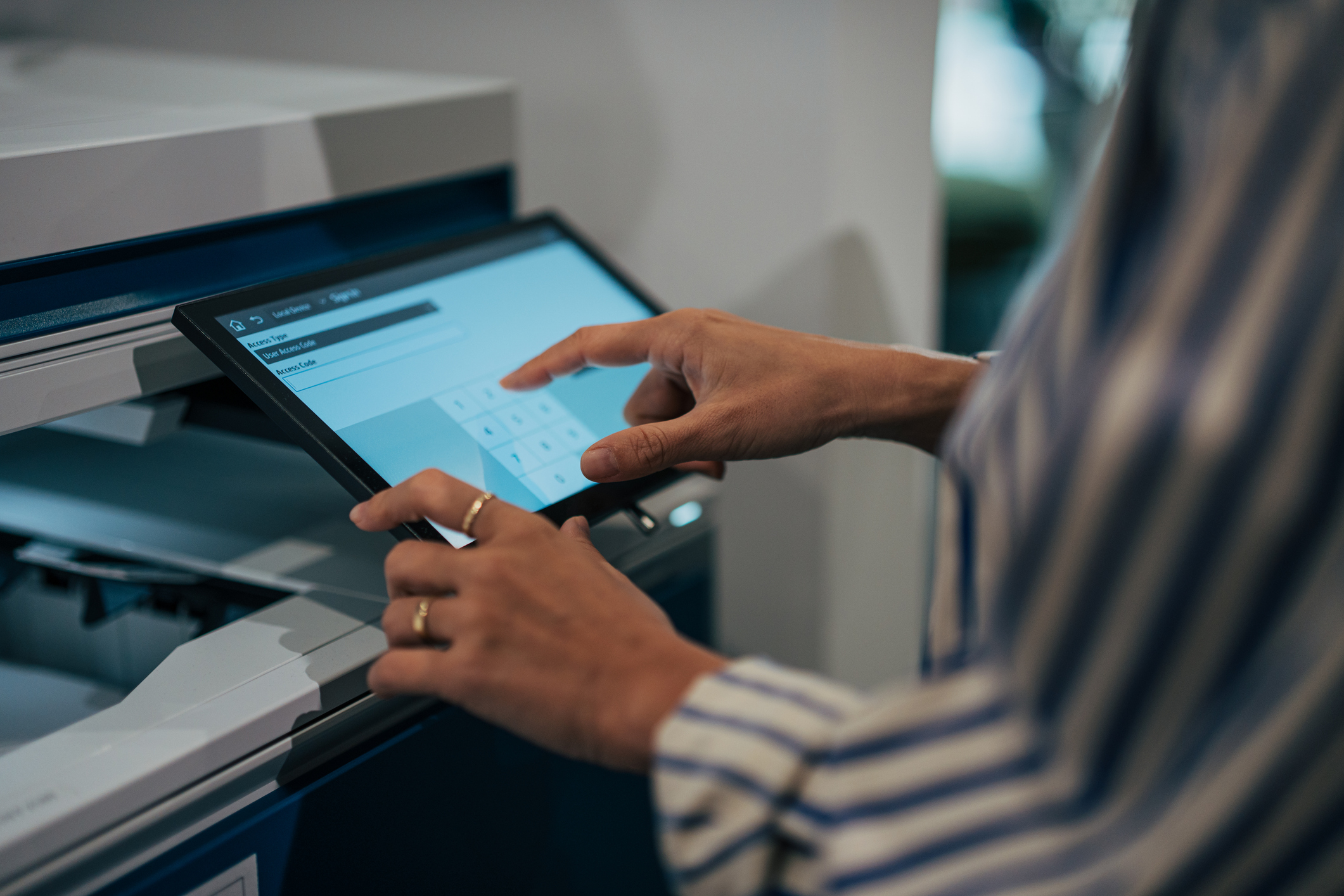
To release the job, the user must authenticate at the copier using:
- A PIN
- A login code
- A proximity badge
Nothing prints until the authorized user is physically standing at the machine.
If you have ever wondered how to keep printed documents private on a shared copier, this is the most straightforward solution.
It protects confidential information without adding new hardware or complicating workflows.
Tool #2: Follow-Me Printing with PaperCut
For larger offices or environments with multiple copiers, follow-me printing provides even greater flexibility
With this system:
- You print to a shared queue.
- You walk to any authorized device in the building.
- You badge in or log in and release your job.
Your documents follow you, not the printer.
This approach protects privacy while improving workflow efficiency. It also reduces abandoned print jobs, which helps control paper and toner usage across your organization.
For teams looking for secure print options for office copiers, follow-me printing offers both protection and convenience.
A Practical Example: HR Does Not Need a Personal Printer
Imagine your HR manager printing confidential employee records throughout the morning.
Without secure print release, they would need to walk to the copier after every job to prevent documents from sitting unattended. Over time, that becomes disruptive. The alternative often suggested is a personal desktop printer, which increases equipment and supply costs.
With secure print enabled, they send each document to a protected queue. Nothing prints immediately. When they’re ready, they walk to the copier, authenticate with their badge or PIN, and release all of their jobs at once.
No papers left in the tray.
No unnecessary extra printer.
No compromise on privacy.
It is a simple adjustment that protects sensitive information while keeping your print environment centralized and cost-effective.
Privacy Without the Price Tag
Secure print release and badge-based authentication allow organizations to maintain centralized printing without sacrificing confidentiality
That means you can:
- Protect sensitive HR, finance, and legal documents
- Reduce office printing expenses
- Improve accountability
- Simplify device management
There is no need for exceptions or special equipment for individual roles. With the right configuration, your existing multifunction printers can deliver both security and efficiency.
At Budget Document Technology, we help organizations throughout Maine, New Hampshire, and Massachusetts set up secure printing correctly from the start. Whether you need to protect confidential files in healthcare, education, government, or private business, we ensure your tools are working the way they should.
We will show you how to protect your team’s privacy while keeping your print environment efficient, secure, and cost-effective.