
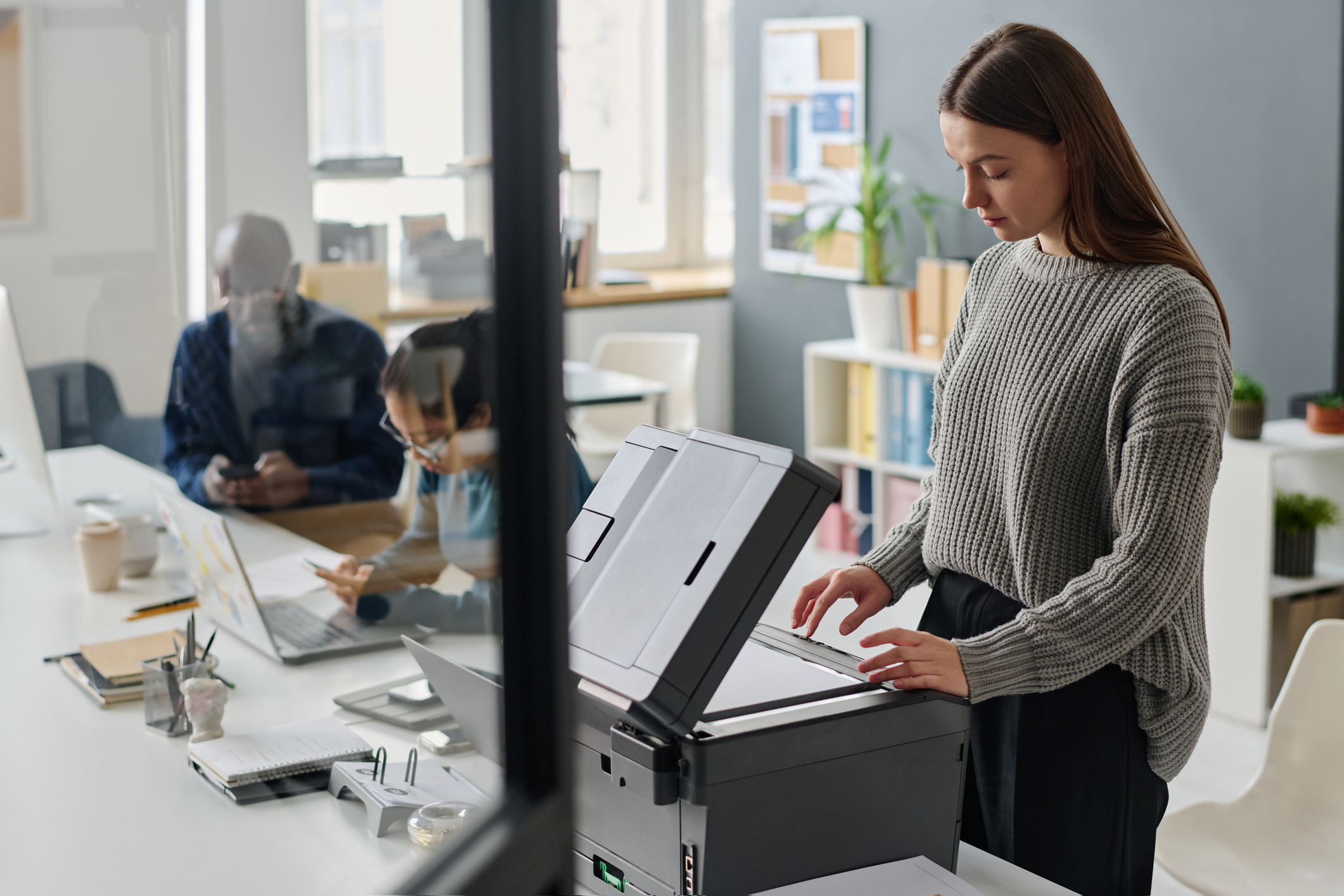
From smarter defaults to user quotas and fleet-wide tracking, here’s how you can reduce printing expenses without slowing anyone down.
Here’s a workplace truth that’s easy to overlook:
Office printing often costs more than it should, and no one wants to babysit the copier.
Fortunately, managing print costs doesn’t mean hovering over your staff or adding friction to everyday tasks. The real fix is better tools, smart defaults, and systems that put accountability on the user without adding more work to your shoulders.
Let’s walk through how it’s done.
Printing Is Costing You, Even If You Don’t Notice
Paper. Toner. Color ink. Service calls. Lost time.
If your printers are running freely with no tracking or control, you’re likely spending more than you need to and missing out on simple ways to save.
That doesn’t mean creating roadblocks. It means using systems that encourage better habits automatically.
Start with What You Already Have: Account Track and Print Defaults
Most devices we install, especially Konica Minolta models, include Account Track, which helps monitor usage by user. It’s a simple way to see who is printing, how often, and in what format.
You can also set smarter default settings, such as:
- Defaulting to black and white printing
- Requiring users to manually select color
- Enabling double-sided printing as the default
These changes are easy to implement and help cut costs across your fleet.
Add Accountability: Badges or PINs
Another simple step is requiring users to log in before they print.
This can be a quick PIN or a badge scan if your team already uses ID cards. These login methods:
- Prevent forgotten or abandoned print jobs
- Help protect sensitive documents
- Tie print usage to specific users or departments
It’s a straightforward way to improve security and reduce waste.
Step It Up with PaperCut
When you’re ready for full control, PaperCut is a powerful option.
It allows you to:
- Manage your entire print fleet from one dashboard
- Use follow-me printing so jobs only release when the user is present
- Set quotas such as 250 color pages per month
- Automatically convert excess color jobs to grayscale
These features work quietly in the background, improving efficiency without burdening managers or staff.
The Savings Add Up Fast
Better tracking and default settings lead to real savings. You’ll use less paper, fewer toner cartridges, and reduce machine wear, all while creating a smoother workflow for your team.
Ready to Save Without Slowing Anyone Down?
BDT helps New England businesses cut printing costs without micromanaging their teams. With the right tools, smart defaults, and local support, you can control expenses and improve efficiency without complicating anyone’s day.
Let’s talk about how to simplify your print environment.